
A Shopify store guide
Help shoppers choose your product.
Check the product details customers need before adding to cart.
01
Show the product in use.
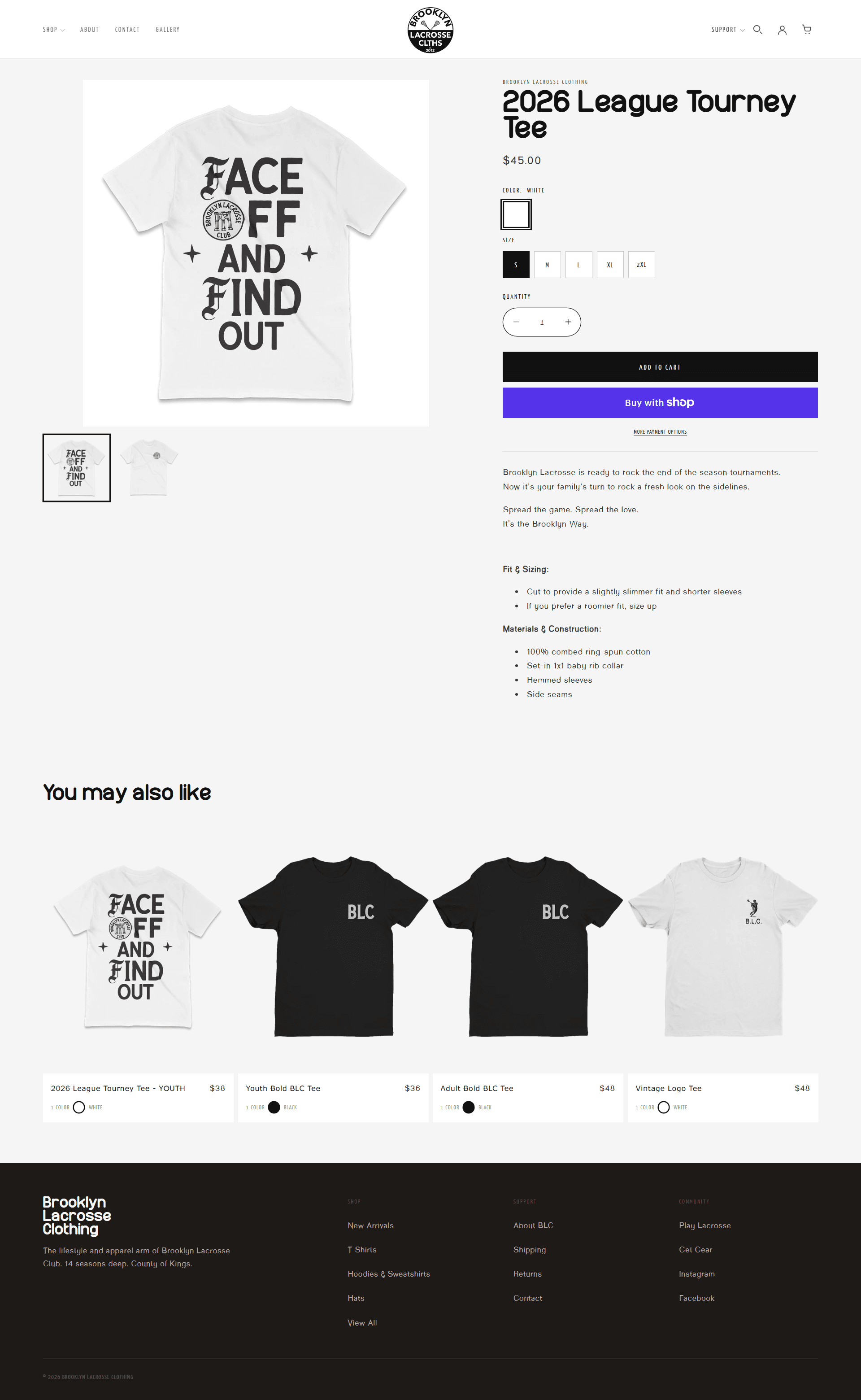
Use photos to explain the product before adding more sections. Clothing needs useful views of the fit. A home product needs a sense of scale. Explain what the customer receives and how to use it.
Open one product page on your phone. Check whether the photos show the product clearly and the description explains what is included.
02
Answer buying questions on the page.
Keep delivery and returns details easy to find. Add information specific to the product. Clothing needs sizing guidance. Furniture needs dimensions and assembly details.
Write down three questions customers ask before ordering. Find the answer to each on the page.
03
Test the step into the cart.
Choose a product option and change the quantity. Add the item to the cart. Check the price and selected options against the product page. Repeat the process on your phone.
Complete a product selection and open the cart. Note any missing option or unclear message.
Plan your Shopify product page.
Use the free layout and writing prompts to plan each section.